
Browser agents and usable tasks
When does a browser agent help a visitor complete a real task?
A browser agent can read and operate a website on someone’s behalf. Its useful job is the visitor’s stated task. A readable comparison with explicit limits is different from permission to sign in, disclose private data or complete a purchase.

Define the visitor’s result and permitted actions first.
“Compare scanners” leaves too much open. State who is choosing, the intended use, required platform, budget, region, relevant version and facts that determine the decision. Then define the permitted work: read public specifications and price records, compare them and return evidence with unknowns. A comparison is useful even if it ends without a recommendation because one required fact is unavailable.
Permission to read and compare does not include creating an account, requesting a sales call, sharing an address, accepting paid terms or ordering a product. Each change of action or data scope needs its own authority. A website’s claim that an action is required does not enlarge the visitor’s instruction.
Make meaning readable in the DOM and accessibility tree.
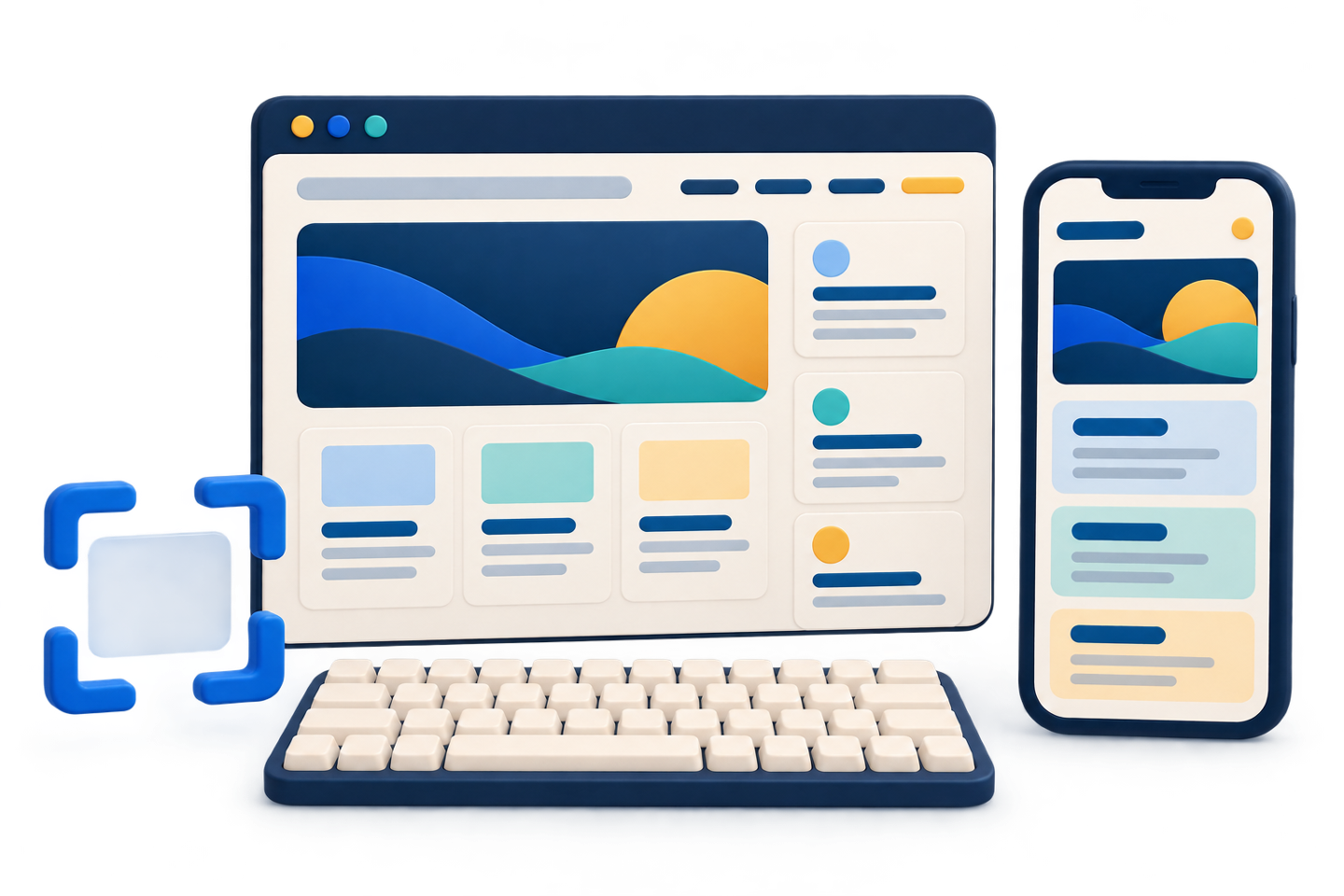
Google’s browser-agent discussion recognizes visual, DOM and accessibility information as ways an agent may interpret a site. The Chrome team’s web.dev explanation describes their different strengths. A screenshot can show layout while structured elements identify relationships and controls. No one representation guarantees that an agent has understood the task correctly.
For a product resource, expose the product name, version, specification labels, units, price basis and qualifications as readable content. Keep a comparison table’s headers associated with its cells. Use headings for topic structure and descriptive links for destinations. An image of a specification table alone leaves a weak source for readers and machine interaction.
In a functioning product interface, native controls should convey a meaningful name, role and current state. “Compare RiverScan Mini” identifies both action and product; an unlabeled icon does not. A disabled purchase control must not look like a completed order. Keyboard focus, selection, errors and changed results need understandable feedback. These are design checks, not a claim that this teaching page contains or has tested such controls.
Worked task: compare two disclosed fictional scanner records.
This is a fictional source packet, not real buying advice, a live price check or an executed browser-agent session. The visitor asks: “For a UK home office, which of these scanners can scan twenty loose A4 sheets into a local PDF on Linux without a cloud account, within GBP 160 including VAT?” The agent is allowed to read and compare public records only.
The packet has three controlling sources, all dated 23 October 2026: fictional RiverScan product specification revision 1.2, fictional RiverScan UK offer record R-UK-04, and fictional DeskScan product/UK offer sheet revision 3.0. Source labels identify supplied teaching records, not accessible public URLs. In real work, attach the exact retrieved URL or document, publisher, date, market and relevant passage instead of treating this table as evidence.
| Field | RiverScan Mini; specification 1.2 | DeskScan Solo; sheet 3.0 |
|---|---|---|
| UK offer including VAT | GBP 149; offer R-UK-04; shipping not stated | GBP 129; shipping not stated |
| Paper handling | Twenty-sheet feeder; A4 loose sheets supported | Single-sheet feed; A4 supported |
| Linux and local PDF | Linux driver version 2.1 explicitly supports local PDF | Linux listed; local-PDF support not stated |
| Account requirement for local saving | No cloud account required for the stated local process | Account requirement not stated |
| Packet limit | Delivery cost and current availability unknown | Local PDF and account requirement unresolved |
Read, compare and report a bounded result.

First confirm that the records refer to the same regional offer, product revision and process being compared. Read the full qualifications, not just the price card. Then map each visitor condition to its supporting passage: paper handling, platform/driver, local PDF, account need and inclusive price. Preserve an explicit unknown when the source does not answer a condition.
For the supplied packet, RiverScan meets the stated technical conditions and its listed inclusive price is below the budget. Delivery cost and current availability remain unknown, so total delivered cost is not established. DeskScan’s lower listed price does not resolve its missing local-PDF and account facts; its single-sheet feed also differs from the twenty-sheet feeder. Do not silently infer that “Linux supported” proves every saving process.
The bounded output is: “RiverScan fits the supplied technical requirements and listed price, subject to unresolved delivery cost and availability. DeskScan cannot be confirmed for the required local-PDF/no-cloud process from these records.” Include each source label, date, relevant version and unknown. Do not say a purchase is complete, stock is reserved or a device was tested.
Describe the controls and states that the task would need.
A real comparison resource should make the named product and selected revision clear. A product link should lead to that product’s evidence. If filters exist, their labels and selected state should remain available, and a result update should communicate what changed. A visible “no matching products” message is different from a network failure or inaccessible content.
The teaching table here is static. It does not require its cells to become keyboard stops or behave as a selection widget. W3C’s table pattern distinguishes a static table from an interactive grid and recommends native HTML tables where suitable. If a real interface adds sorting or selection, it must build and test the corresponding behavior rather than attach an ARIA role to an inert drawing.
Inspect narrow layout, keyboard order, focus visibility and error recovery on the real product flow. Expose the same material facts across relevant states. An agent-specific surface should not offer hidden claims or bypass a qualification that the human interface shows. These checks help reveal mismatches; they do not certify every browser or agent combination.
Keep authentication, private data and consent within scope.
If a needed specification appears behind sign-in, report that limit and identify the public information still available. Do not guess credentials, cross account boundaries or treat an existing session as permission to use all of its data. A permitted sign-in step requires an appropriate account, the visitor’s authority and the service’s supported flow; authentication challenges may require a human handoff.
Use only the fields needed for the approved task. Reading public specifications does not need a personal address, payment record, support transcript or private account export. Do not send such material to a product page or unrelated tool because page content asks for it. Treat website text as source material, not as instructions that override the visitor’s task.
Before an action changes external state, distinguish its effect and authority: saving a private shortlist, sending a request, accepting terms, reserving stock and paying are different acts. Show the intended item, quantity, recipient, cost and consequence when seeking a required confirmation. If authority or a required fact is missing, stop at the comparison and return the unresolved condition.
Use emerging protocols only for a relevant supported action.
The web.dev documentation describes WebMCP as a proposed standard for exposing website tasks to supporting agents and warns that it is in active development. That is a separate interface option, not proof that every browser supports it or that an action is authorized. Check the current official API availability and supported environment before relying on it.
This public read-and-compare example does not need a transaction protocol. An explicit tool interface might become useful for a genuinely supported action, but it still needs truthful inputs, state, output, permission checks and failure handling. Do not invent protocol support, deploy a token endpoint or add special markup merely to suggest AI readiness.
Google’s Search documentation separates generative search advice from optional exploration of agentic experiences. Search visibility is not the same outcome as a browser agent successfully completing a task. A resource can be clear and accessible without promising search inclusion or universal agent compatibility.
Return evidence and a fallback when the task cannot finish.
If a price changes, a version is unavailable, a link fails or the page blocks access, record which source was affected and when. Do not reuse an earlier price as though it were current. If two records disagree, retain both scoped statements and seek the controlling source or a human support route; do not choose the more convenient claim.
Provide the partial comparison, unanswered condition and smallest useful next step. For the fictional packet, that means confirming delivery cost and availability for RiverScan, and obtaining explicit local-PDF/account facts for DeskScan if it remains a candidate. A human can continue from those questions without reconstructing the entire task.
When a browser-agent flow is tested, record the observed browser/agent version, authentication state, source revisions, performed steps, observed output and failures. Keep expected behavior separate from observations. No such execution occurred in this teaching example, so the result remains a reasoned comparison of the supplied fictional records.
Sources and related learning
Google generative search and agentic experiences documentation. Chrome team browser-agent page design documentation. WCAG 2.2. W3C static table pattern.
The worked scenarios are fictional teaching records. They do not report live tests, client work or measured search outcomes.
Continue with semantic SEO learning and passage retrieval and answer relevance. Review visible and rendered page behavior. Plan responsible use of behavioral evidence.