MIRENA SEO Workflow Hub | From Input to Owned Next Step

MIRENA SEO workflow hub

Start with the work you have. Move into the SEO workflow that owns the next decision.

Bring a topic, existing page, live site, query set, draft, brief, sitemap, or team problem. MIRENA identifies the scope, page owner, search intent, evidence gap, entity frame, answer form, internal route, and approval state before production continues.

The homepage is the main hub for fourteen category hubs and 328 focused assets. Beginners get one safe starting point. Practitioners get a production path. Advanced operators get the ownership, evidence, review, and maintenance controls needed to run the system at scale.

20 agent workflow 14 category hubs 328 focused assets Beginner through advanced
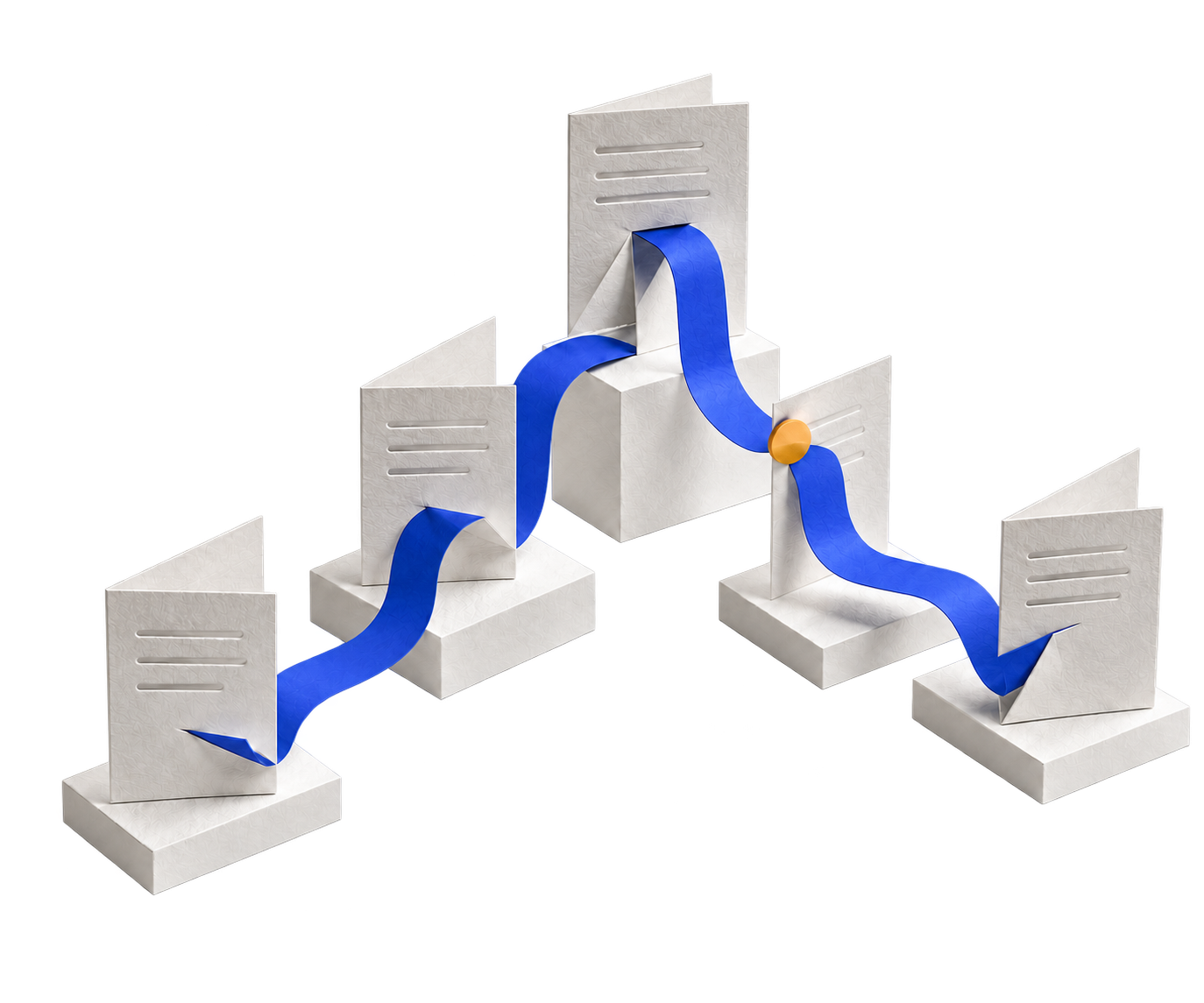
Start → decide → deliver All elements stay inside the workflow board
Your starting point
Topic or offer
Existing page
Site or sitemap
Query set
Team or client need
20 agent system

MIRENA owns the routing decision

Scope Ownership Intent Evidence Entities Format Links Approval
Owned output
Topical map
Content brief
Draft or rewrite
Gap audit
Internal link plan
Review handoff
Evidence first One owner for each job Approval before release
Lane one Plan the site Define page roles, clusters, entities, routes, and build order.
Lane two Plan the page Set intent, sections, proof, answer forms, links, and exclusions.
Lane three Build or repair Create the asset or fix the smallest approved failure.
Operating layer Review and govern Control evidence, approval, maintenance, and next routes.

Choose by current evidence

Begin with the thing already in front of you.

The starting input determines the first gate. MIRENA does not push every project through one broad prompt or make the user understand the whole system before getting a useful route.

I have a topic

Decide what deserves a page and how the site should grow

Use Topical Mapping to assign hubs, spokes, page roles, overlap rules, dependencies, publishing order, and internal routes. Semantic SEO and Entity SEO add meaning and identity after ownership is clear.

Start with Topical Mapping
I have an existing page

Diagnose the failure before rewriting the copy

Use Drafting and Rewriting to choose refresh, focused repair, full rewrite, merge, redirect, hold, or rebuild. Information Gain and Entity SEO support the diagnosis when repetition or weak topic support is involved.

Start with Drafting and Rewriting
I have a query set

Assign page ownership before choosing a visible format

Use Topical Mapping to decide page or block ownership. Use SERP Features only after intent and ownership are clear, then carry the answer form into a controlled brief.

Start with SERP Features
I have a brief

Check the plan before drafting or handing it to a writer

Use Content Briefs to confirm page job, intent, entities, section roles, evidence, answer forms, links, exclusions, and approval. Move into drafting only when the brief is ready.

Start with Content Briefs
I have a live site

Create an owned repair queue instead of changing everything

Use Topical Map Audit, Internal Link Audit, Entity Audit, Information Gain review, and Drafting and Rewriting to separate structural causes from local content symptoms.

Start with Information Gain
I need to understand MIRENA

Learn the inputs, outputs, routes, review states, and product limits

Use Docs when the workflow is unfamiliar and Use Cases when the team, business model, asset, or project is already clear. Both routes lead into the production hub that owns the first real decision.

Start with the Docs Hub

Beginner through advanced

Progress by decision complexity, not by how much content you read.

The levels describe the evidence, ownership, dependencies, and review burden around the work. A beginner can make one safe decision. An operator can govern the same system across many teams and assets.

01 Beginner · Orient

Learn the language and choose one starting route

Understand the inputs, page roles, evidence rules, product boundaries, and the difference between a site problem, page problem, and workflow problem.

Use Docs and Use Cases.
02 Guided · Frame

Set scope, ownership, intent, entities, and the evidence gate

Decide what the current asset owns, what belongs elsewhere, which sources are approved, and which question must be settled before production begins.

Use Topical Mapping, Semantic SEO, and Entity SEO.
03 Practitioner · Build

Turn approved decisions into a brief, draft, rewrite, or route

Create the working output inside the approved page and block boundary. Keep the source, revision reason, exclusions, and next handoff visible.

Use Content Briefs and Drafting and Rewriting.
04 Advanced · Refine

Find weak signals, test causes, and repair the smallest failure

Review repetition, missing value, entities, answer forms, links, structure, proof, result changes, and implementation without assuming one metric explains the cause.

Use Information Gain, Internal Linking, SERP Features, and Schema.
05 Operator · Govern

Control owners, approvals, versions, policies, and maintenance

Standardise repeatable records, compare tool responsibilities, protect privacy and reliance, record exceptions, and define the trigger that reopens the decision.

Use Compare, Templates, and Legal and Trust.

Three production lanes

Most projects enter one main lane and use the other hubs as support.

The lane is the main production job. Supporting hubs improve the quality of the decision without taking ownership away from the primary workflow.

Lane one

Plan the site

Turn topics, URLs, sitemaps, business goals, and audience needs into a governed architecture.

InputsTopics, existing URLs, query sets, offers, audiences, constraints
DecisionsPage roles, cluster homes, boundaries, dependencies, build order, internal routes
OutputProcessed topical map and approved page inventory
Primary hubsTopical Mapping, Semantic SEO, Entity SEO
Lane two

Plan the page

Turn an approved page role into a writer ready specification that removes structural guesswork.

InputsPage role, query, sources, entities, result evidence, internal routes
DecisionsIntent, opening answer, section jobs, proof, formats, links, exclusions
OutputEntity and intent led content brief
Primary hubsContent Briefs, Information Gain, SERP Features
Lane three

Build or repair the asset

Create new copy or repair the smallest failing page or block while protecting strong work.

InputsApproved brief, current copy, audit evidence, proof, repair boundary
DecisionsKeep, remove, merge, move, rebuild, prove, link, hold, review
OutputReviewed draft or rewrite handoff
Primary hubsDrafting and Rewriting, Information Gain, Internal Linking

Complete category system

Fourteen hubs are grouped by the job they perform in the workflow.

Every hub is a complete main node with its own route selector, beginner through advanced journey, visual logic, full child asset index, governance controls, related hubs, questions, and structured data.

Start and plan

Learn the system, identify the real problem, assign page ownership, and define the meaning and entities before production starts.

19 assets

Docs

The Docs hub is the operating manual for preparing inputs, selecting workflows, understanding outputs, reviewing approvals, and moving through MIRENA without losing the source context.

Open the Docs Hub
29 assets

Use Cases

The Use Cases hub starts from the person, team, business model, asset, or problem and routes the work into the MIRENA lane that can produce the right site or page decision.

Open the Use Cases Hub
63 assets

Topical Mapping

The Topical Mapping hub turns topics, URLs, queries, business goals, user states, and existing pages into a governed architecture with page roles, cluster homes, overlap controls, publishing order, and useful next routes.

Open the Topical Mapping Hub
5 assets

Semantic SEO

The Semantic SEO hub explains how meaning is built through entities, intent, context, passage structure, coverage, retrieval, and relationships rather than phrase repetition.

Open the Semantic SEO Hub
27 assets

Entity SEO

The Entity SEO hub gives every important concept a stable identity, role, hierarchy, attribute set, relationship network, placement plan, page owner, and route through the wider site.

Open the Entity SEO Hub

Create and improve

Carry approved decisions into briefs, drafts, focused repairs, and supported information that gives the reader something more useful.

29 assets

Content Briefs

The Content Briefs hub turns approved site and page decisions into a writer ready operating plan with page job, intent, entities, section roles, evidence, answer formats, internal links, exclusions, and approval controls.

Open the Content Briefs Hub
49 assets

Drafting and Rewriting

The Drafting and Rewriting hub diagnoses why an asset fails, protects the approved page job, selects the smallest repair boundary, rewrites only what needs to change, and returns reviewed copy with evidence and next routes.

Open the Drafting and Rewriting Hub
14 assets

Information Gain

The Information Gain hub separates required baseline coverage from weak repetition, finds missing answers and relationships, adds support and first hand value, scores the result, and routes the repair.

Open the Information Gain Hub

Connect and present

Route the reader through the site, choose visible answer forms, and express approved pages and entities through accurate structured data.

16 assets

Internal Linking

The Internal Linking hub connects pages by meaning, page role, journey stage, proof need, support need, and next useful action rather than by loose keyword mention.

Open the Internal Linking Hub
26 assets

SERP Features

The SERP Features hub observes current search presentations, chooses the answer form that fits the query, checks current eligibility and platform rules, and routes work into visible content, entity support, prioritization, or recovery.

Open the SERP Features Hub
25 assets

Schema Markup

The Schema hub turns approved visible content and stable entity ownership into a maintained graph with accurate types, properties, identifiers, page roles, validation, and current search feature boundaries.

Open the Schema Markup Hub

Decide and govern

Compare workflows, standardise repeatable records, and protect subscriptions, permitted use, privacy, reliance, and accountability.

13 assets

Compare

The Compare hub helps teams evaluate MIRENA against tools and manual workflows through the criteria that affect the actual work: inputs, planning depth, transparency, production control, evidence, integration, and handoff.

Open the Compare Hub
6 assets

Templates

The Templates hub provides working records that preserve source context, page ownership, entities, briefs, rewrite actions, internal routes, review states, and handoffs across the MIRENA workflow.

Open the Templates Hub
7 assets

Legal and Trust

The Legal and Trust hub routes visitors to the policy that owns the question: subscription access, refunds, acceptable use, reliance, privacy, cookies, GDPR rights, and the separation between Semantec SEO and the ChatGPT platform.

Open the Legal and Trust Hub

Three complete project journeys

The same system creates a different route for every starting condition.

New site

From a broad topic to a controlled publishing plan

The team has an offer and several ideas but no reliable page system.

  1. Prepare source context and constraints in Docs.
  2. Assign hubs, spokes, page roles, overlap rules, and build order in Topical Mapping.
  3. Define meaning and entity support.
  4. Create the first briefs and internal routes.
  5. Draft only after the page owners are approved.
Existing page

From a weak URL to an evidence based repair

The asset underperforms, but the cause may be intent, structure, overlap, proof, entities, or routes.

  1. Audit the page and choose the rewrite depth.
  2. Separate baseline coverage from repetition and missing value.
  3. Repair the entity frame and answer form.
  4. Rewrite only the approved boundary.
  5. Add links and schema cues after the visible repair is approved.
Large production system

From scattered activity to governed SEO operations

The operator manages many pages, teams, tools, clients, or business units.

  1. Use Use Cases to identify the governance and output needs.
  2. Standardise inputs, approvals, permitted use, privacy, and handoffs.
  3. Control page and entity ownership across the site.
  4. Connect planning, briefing, production, gain, links, formats, and schema.
  5. Use audits, feedback, change logs, and review dates to maintain the system.

Controlled outputs

The result is a handoff that explains what was decided and what happens next.

Site planning

Processed topical map

Page roles, cluster homes, page and block decisions, overlap controls, publishing order, dependencies, and internal routes.

Page planning

Content brief

Page job, intent, entity hierarchy, section roles, evidence, answer forms, links, exclusions, and approval state.

Production

Draft or rewrite handoff

Approved copy, removed or held material, revision reasons, proof needs, internal routes, blocked claims, and review status.

Differentiation

Information Gain repair

Baseline coverage, repeated value, missing answers, first hand input needs, evidence blocks, priorities, and next workflow.

Connection

Internal link plan

Source page, target page, relationship, user state, route role, anchor direction, priority, and maintenance owner.

Implementation

Answer form and schema cues

Visible content format, current eligibility notes, entity identifiers, page role markup, validation, and maintenance cues after approval.

MIRENA operating principles

Eight rules keep the workflow useful from a first project to a large production system.

01

Source context first

Audience, offer, site, proof, privacy, protected assets, and the required output shape every later decision.

02

One owner for every job

Queries, entities, pages, blocks, links, policies, and handoffs receive one accountable home.

03

Planning before production

Page roles, intent, evidence, structure, entities, answer forms, and routes are decided before writing begins.

04

The smallest useful workflow

The current evidence and failure determine the narrowest route that can own the decision.

05

Visible evidence and uncertainty

Sources, confidence, assumptions, missing proof, blocked claims, and review needs remain part of the output.

06

User gain joins information gain

New information matters when it helps the reader understand, trust, compare, decide, act, recover, or continue.

07

Review before implementation

Facts, rights, links, code, privacy, accessibility, schema, commercial fields, and responsive behavior are checked in the live environment.

08

Feedback returns to the model

Search changes, user behavior, support issues, product changes, legal updates, and failed routes create owned refresh work.

Trust, evidence, and responsibility

A structured workflow still needs human judgement and live implementation review.

Source context

Use authorised and relevant evidence

Project boundaries, audience, offer, proof, protected pages, privacy limits, and blocked topics shape every workflow.

Assumptions

Keep uncertainty visible

Missing evidence, weak confidence, unsupported claims, disputed ownership, and unresolved dependencies remain in the handoff.

Review

Check the final work before it ships

Facts, rights, links, code, privacy, accessibility, commercial terms, schema, and responsive behavior require suitable review.

Platform boundary

Search and AI platforms control their own systems

MIRENA does not guarantee rankings, traffic, indexing, leads, sales, snippets, rich results, or product availability.

Access

One subscription and one active instance

The current Founder base price is €20 for each 30 day subscription period excluding VAT, with one seat and one active MIRENA instance.

Separation

OpenAI account terms remain separate

ChatGPT plan charges, model access, platform availability, data controls, and usage limits are not included in the MIRENA subscription.

Questions

MIRENA homepage hub questions.

What is MIRENA?

MIRENA is a structured SEO operating system that turns topics, URLs, drafts, sitemaps, query sets, and evidence into owned plans, briefs, audits, drafts, rewrites, internal routes, and review handoffs.

Where should a beginner start?

Start with the Docs hub when the workflow is unfamiliar, the Use Cases hub when the problem is clear, or Topical Mapping when site structure and page ownership are the first decisions.

What are the main production lanes?

The three main lanes are planning the site, planning the page, and building or repairing the asset. Entity work, Information Gain, internal links, search formats, schema, templates, and trust controls support those lanes.

Does every project use all fourteen hubs?

No. MIRENA selects the smallest route that can own the current decision. Other hubs are used only when the approved output becomes their input.

Does MIRENA guarantee rankings or search features?

No. MIRENA improves planning, evidence, structure, content, links, answer forms, and implementation cues. Search engines, users, clients, and external platforms control their own outcomes.

How much is Founder access?

The current base price is €20 for each 30 day subscription period, excluding VAT, for one seat and one active MIRENA instance. OpenAI account terms and charges remain separate.

Next route

Start with the asset or problem already in front of you.

Choose the hub that owns the first decision, provide the source context and evidence, and move into the next stage only when the handoff is approved.

Founder access is €20 for each 30 day subscription period excluding VAT, with one seat and one active MIRENA instance. OpenAI account rules, plan charges, model access, availability, and usage limits remain separate.